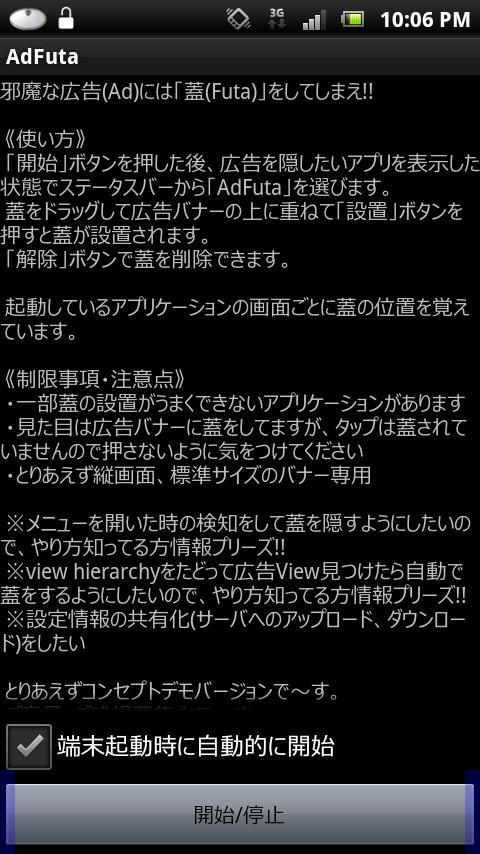
The disturbing advertisement (Ad) and once you a "lid (Futa)" !! AdFuta for Android
Put a “futa” on annoying advertisements!!
《How to use》
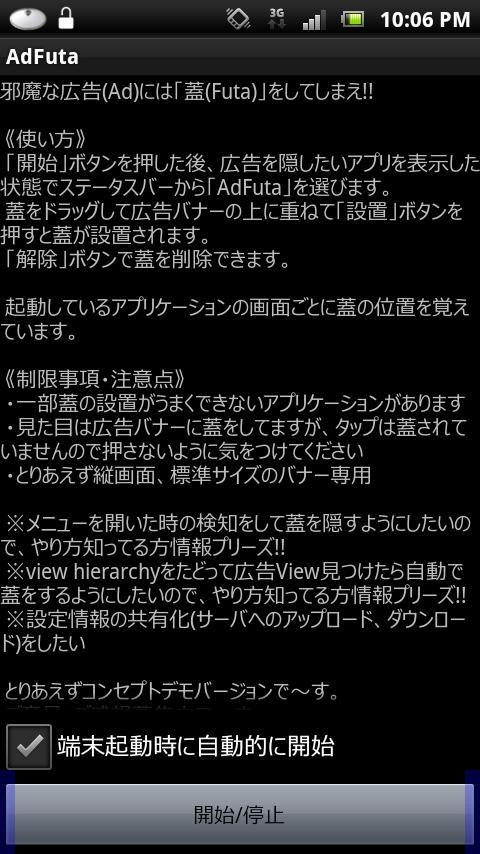
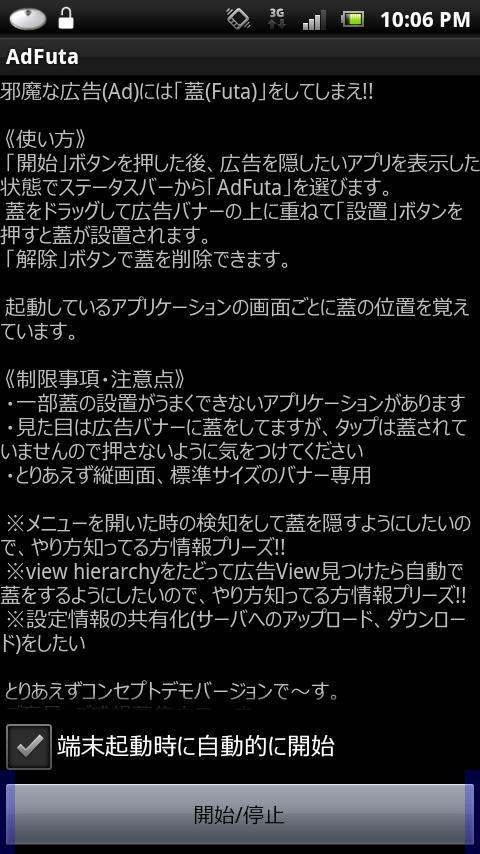
After pressing the "Start" button, select " AdFuta " from the status bar while displaying the app you want to hide ads from.
Drag the lid over the advertising banner and press the "Install" button to install the lid.
You can remove the lid with the "Remove" button.
It remembers the position of the lid for each screen of the running application.
《Restrictions/Notes》
・There are some applications where the lid cannot be installed properly.
・Although it looks like the advertising banner is covered, the tap is not covered, so be careful not to press it.
・For now, only for vertical screen and standard size banners
*I would like to detect when the menu is opened and hide the lid, so if anyone knows how to do this, please let me know!!
*I would like to trace the view hierarchy and automatically close the lid when I find an ad view, so if anyone knows how to do this, please let me know!
*I want to share setting information (upload to server, download)
For now, this is a concept demo version.
We are looking for opinions and impressions.
Special thanks to Dr. Esmasui.
Read more